The open-source helpdesk, documented.
Shared inboxes, live chat, a knowledge base and a public API, with everything updating live across your team. Run it on opendesk.sh or on your own server.
Start here
Section titled “Start here”Cloud
Use opendesk.sh
Nothing to install or run. Sign up at app.opendesk.sh and answer your first ticket in a few minutes.
- Create your account
- Name your workspace
- Connect a mailbox
- Add the chat widget to your site
- Invite your team
Self-host
Run it on your own server
One command installs opendesk, Postgres and HTTPS. Free forever, and the same code as the cloud.
- Get a server with Docker
- Point a domain at it
- Run the install script
- Create the first account
- Set up email
Find your way around
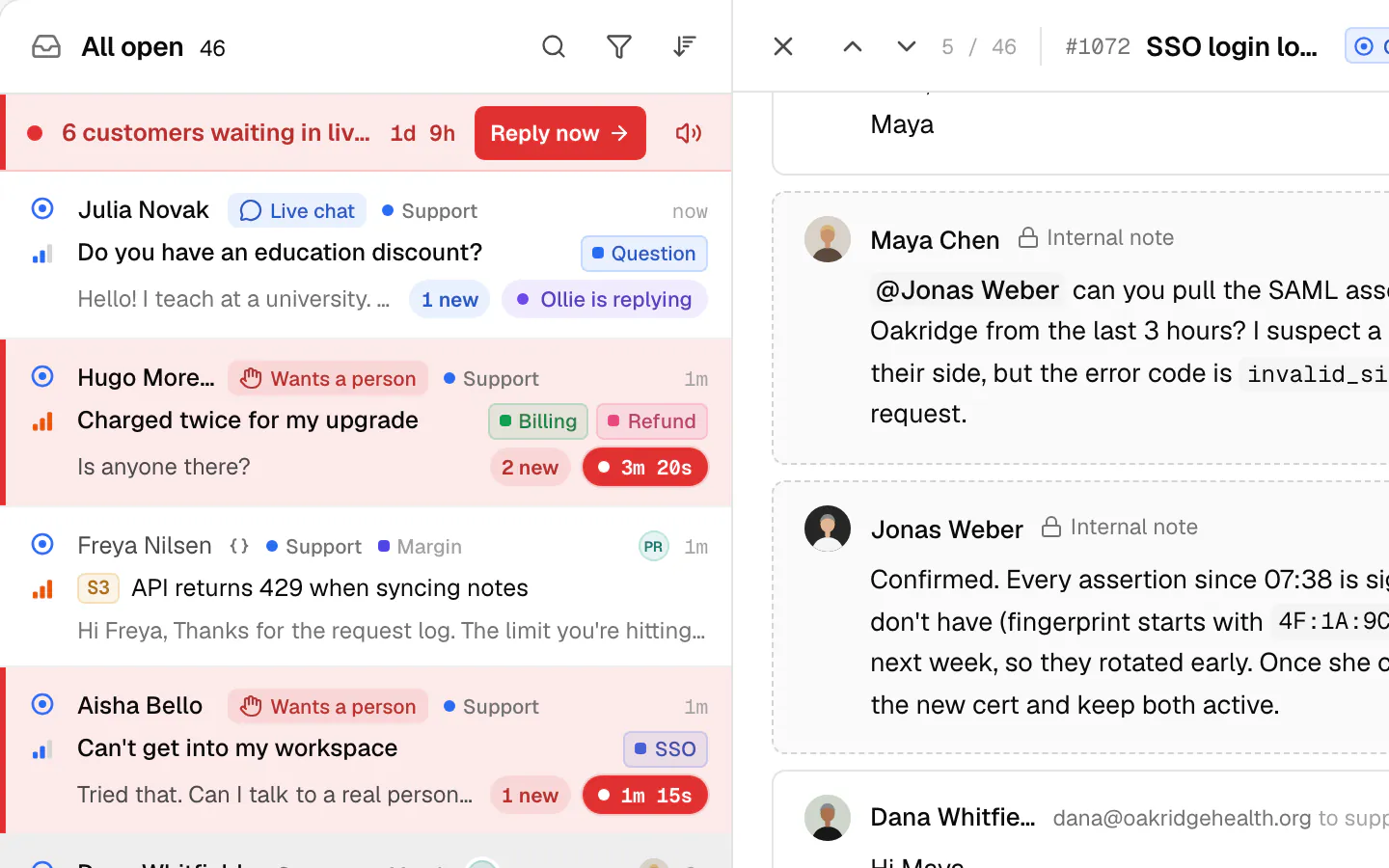
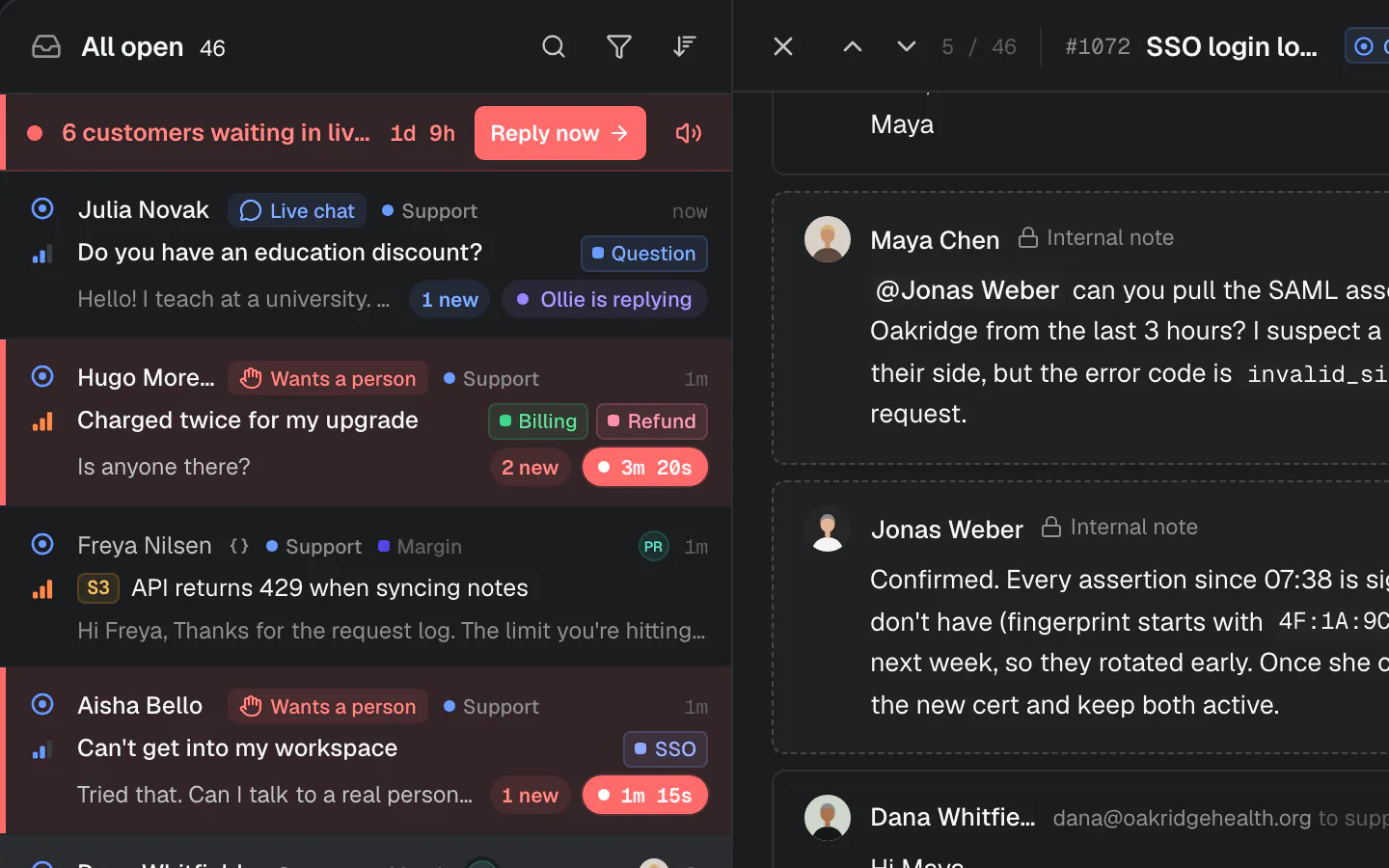
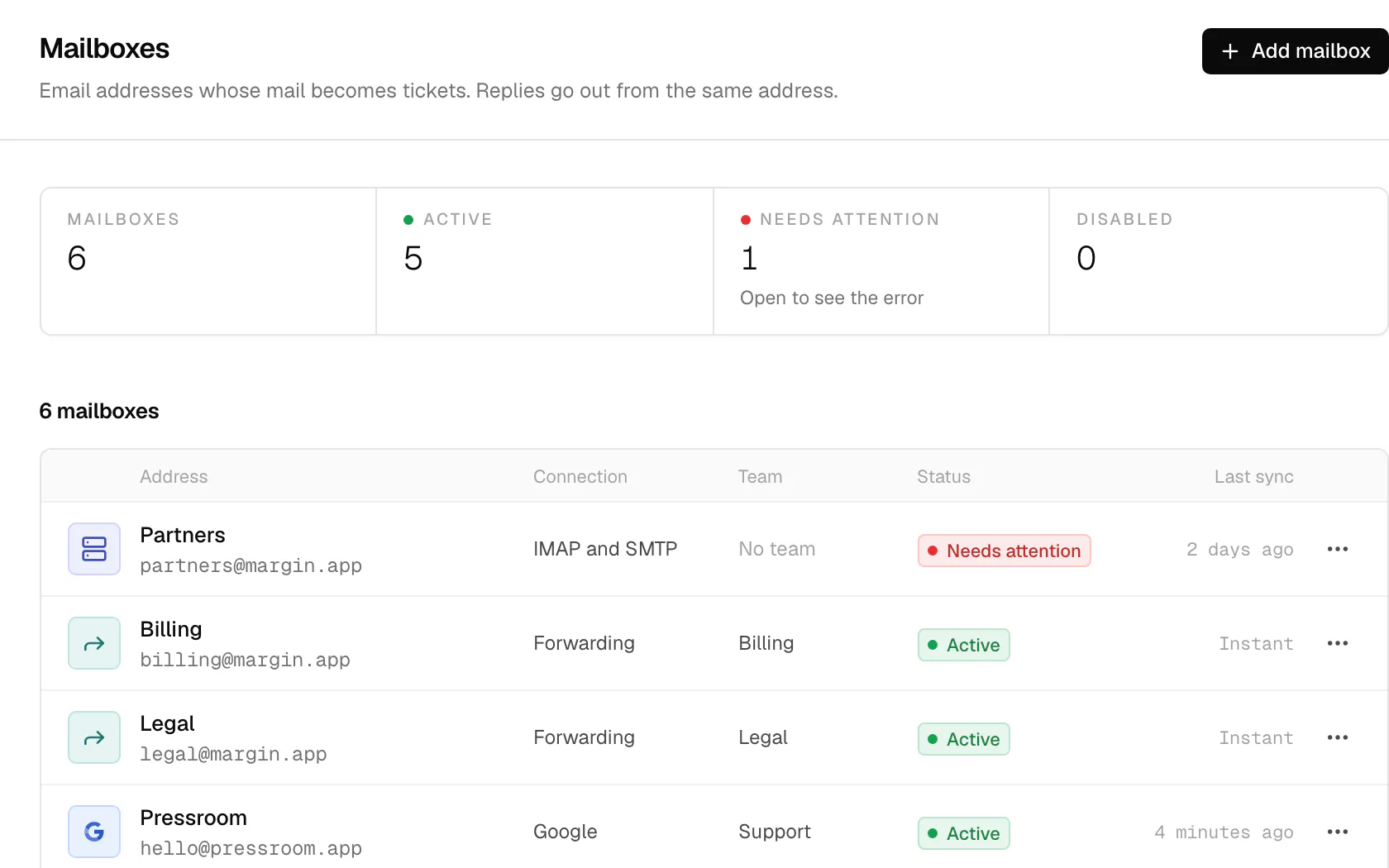
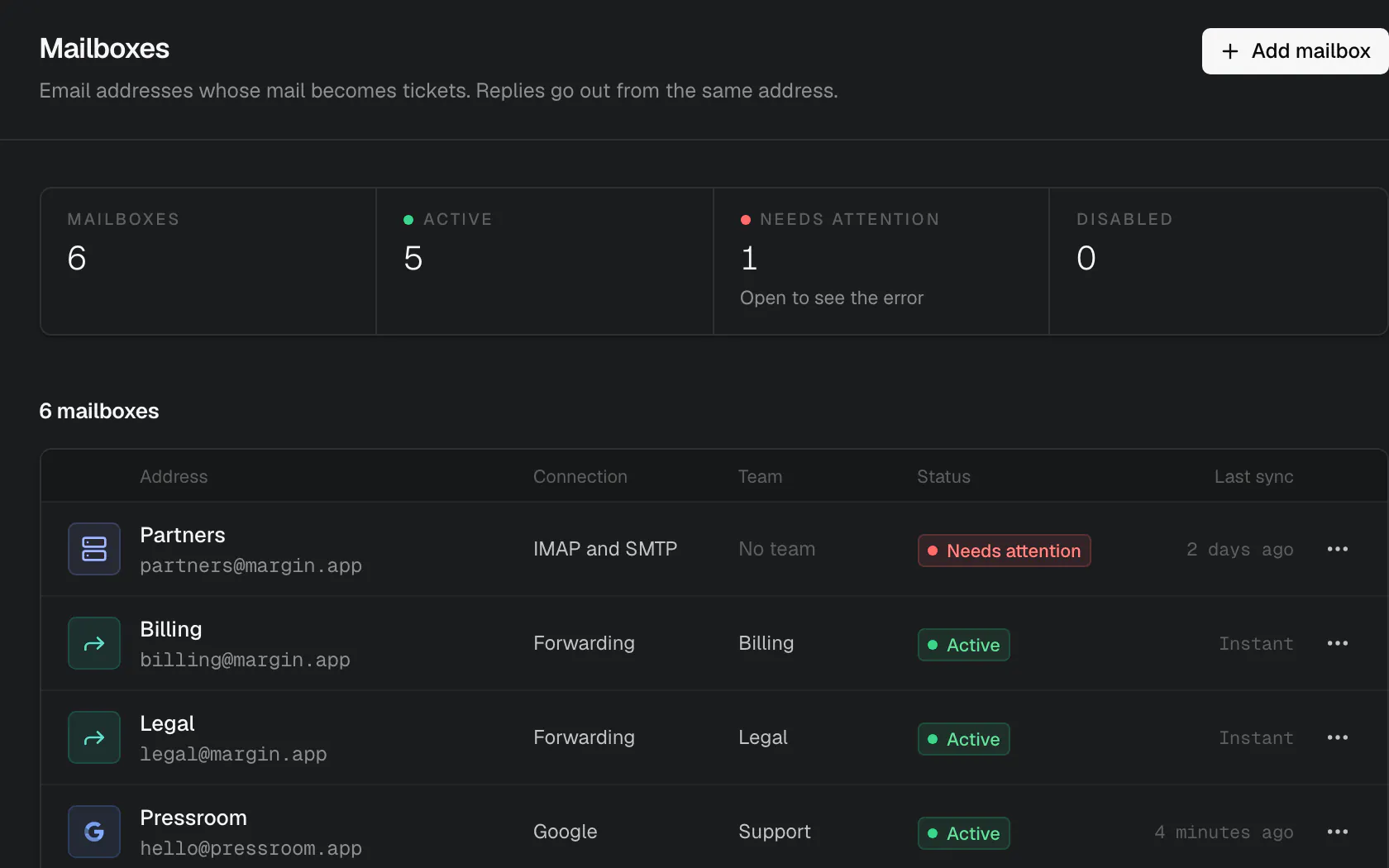
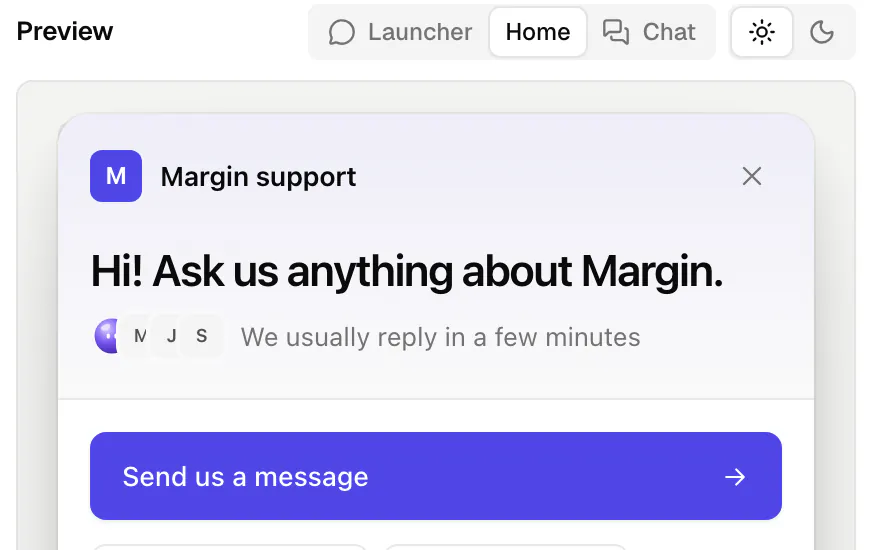
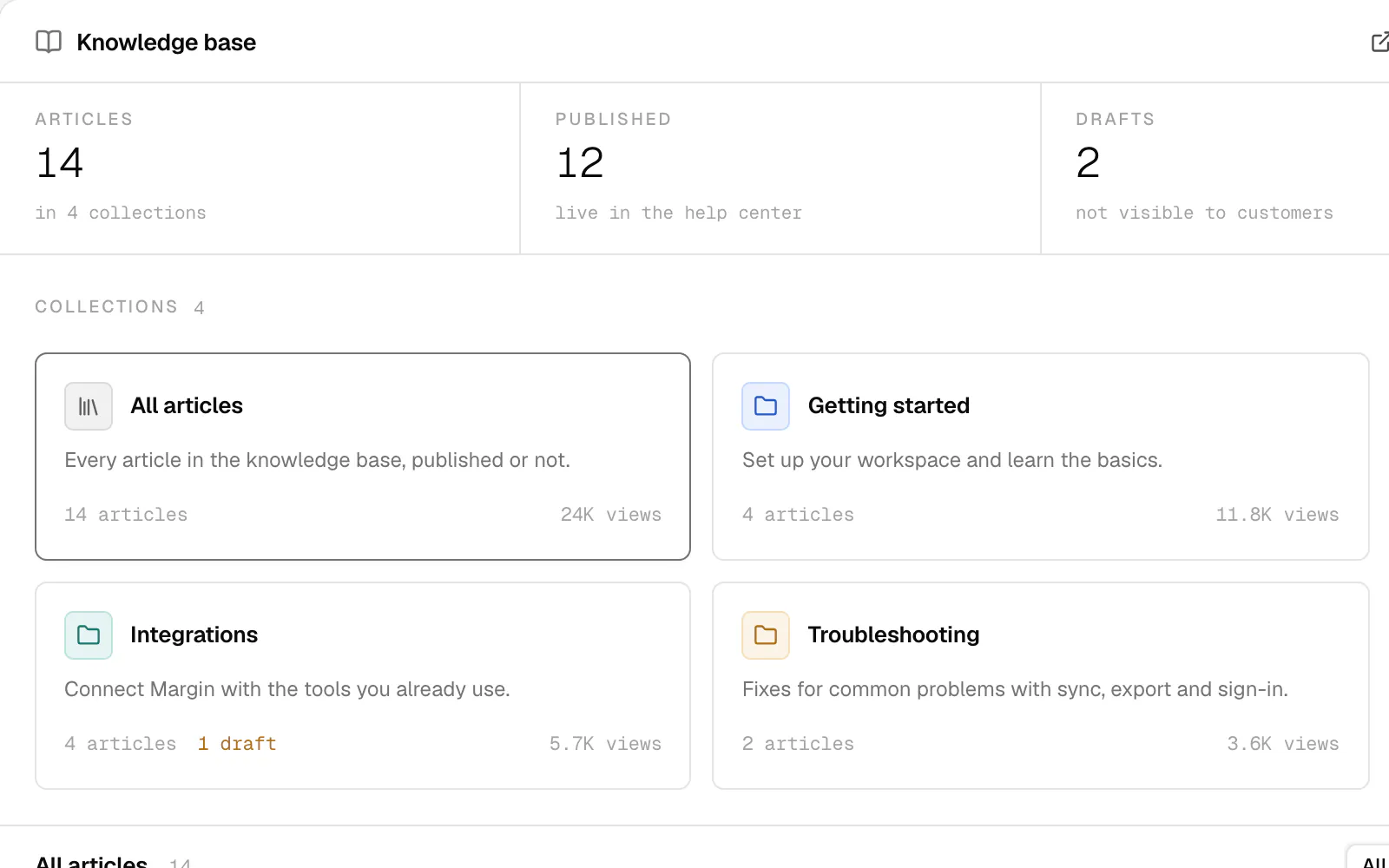
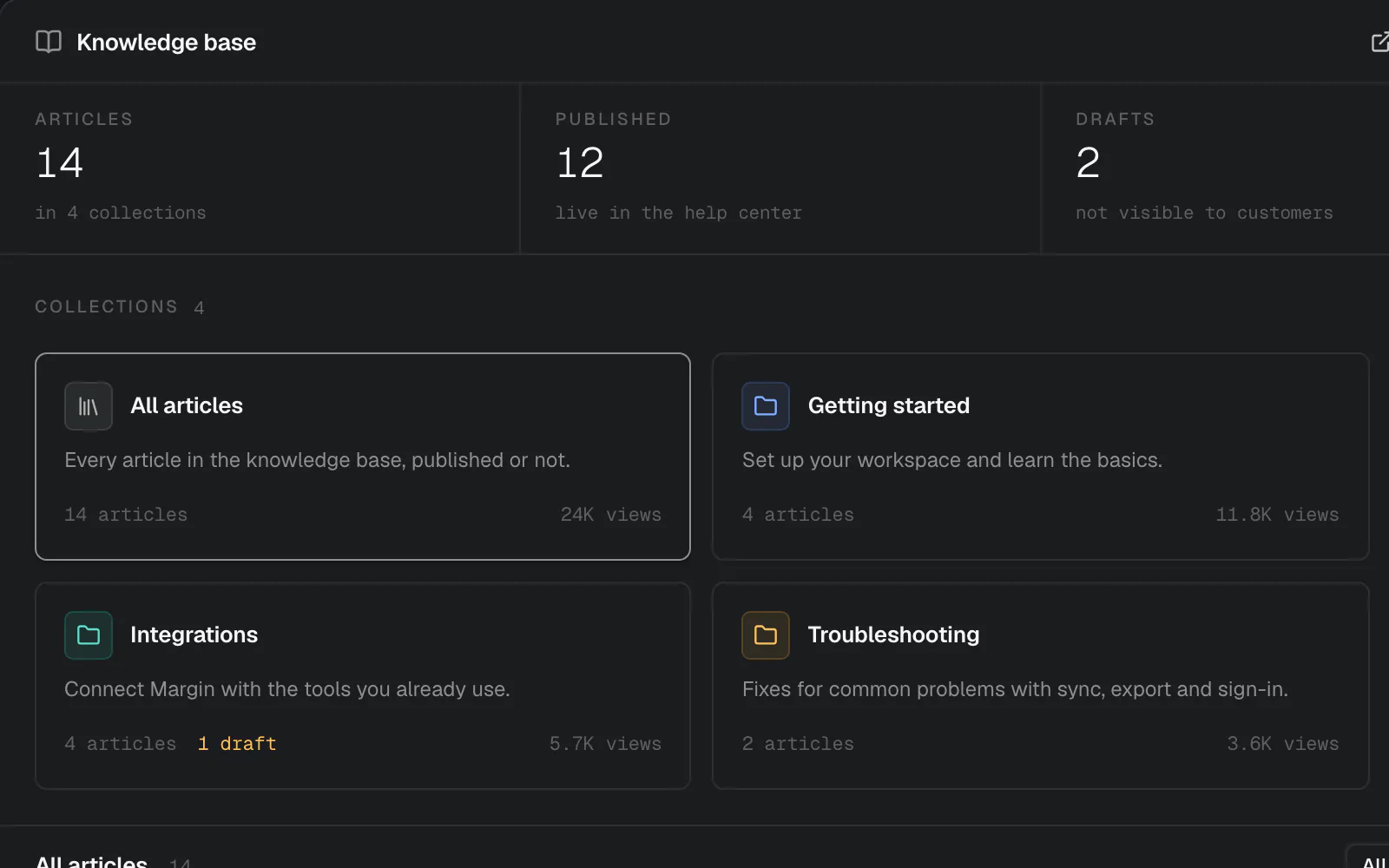
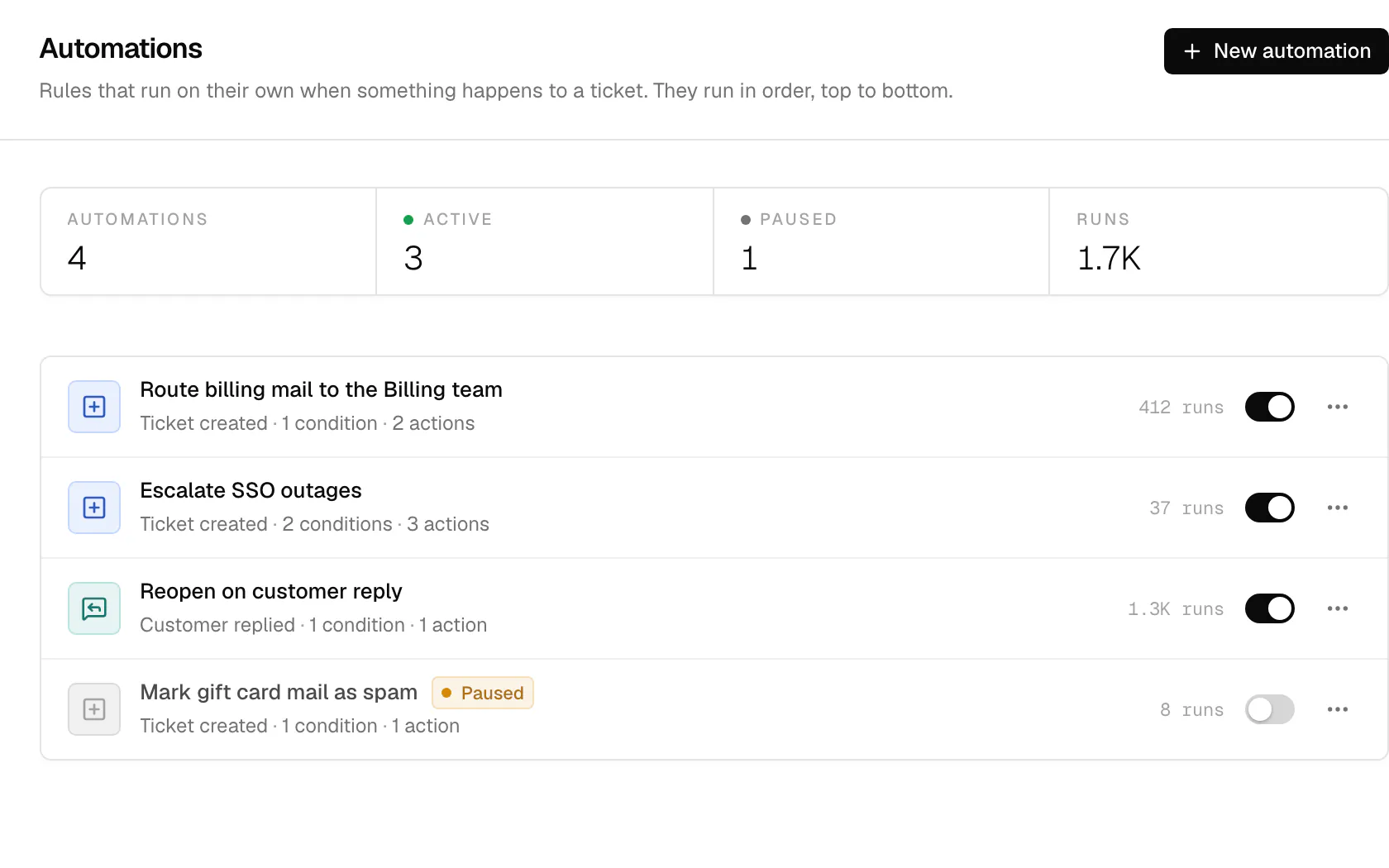
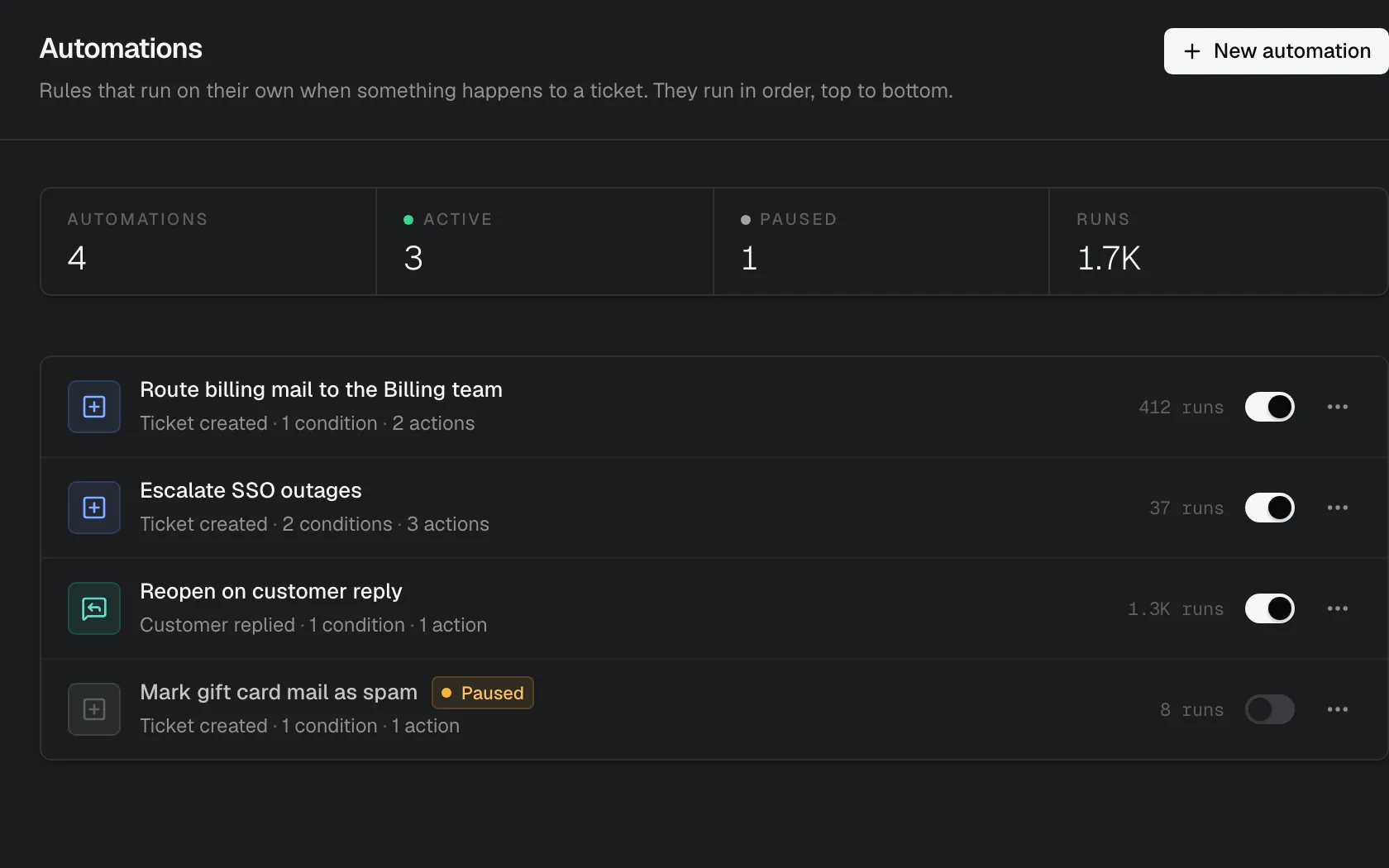
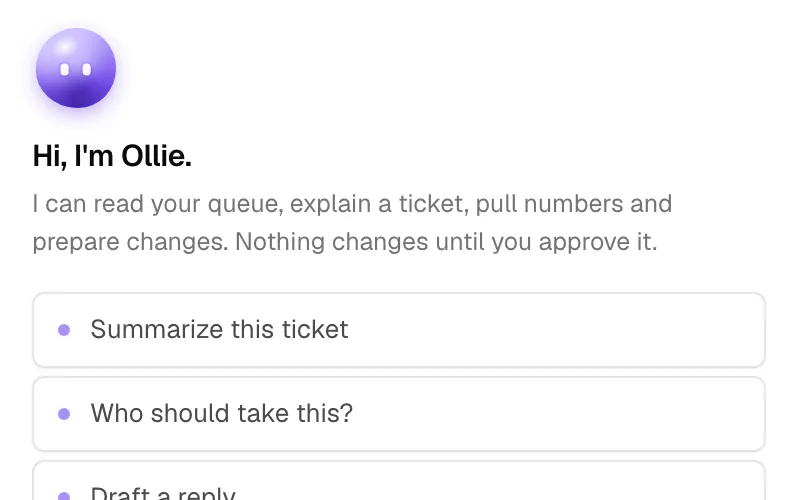
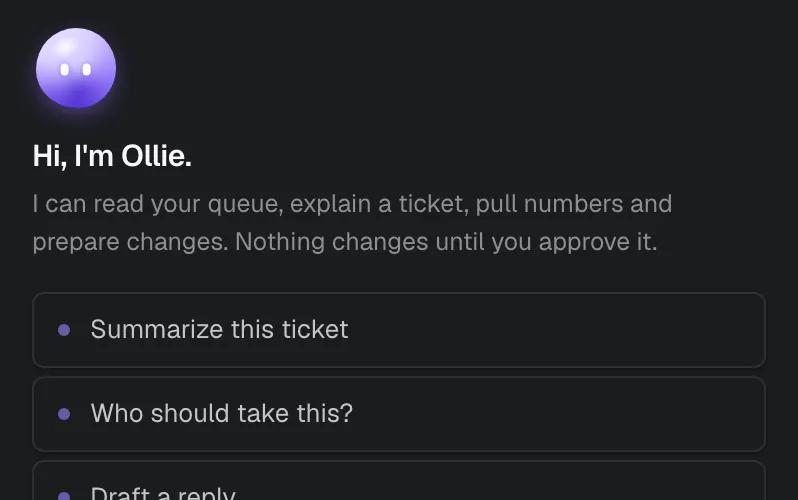
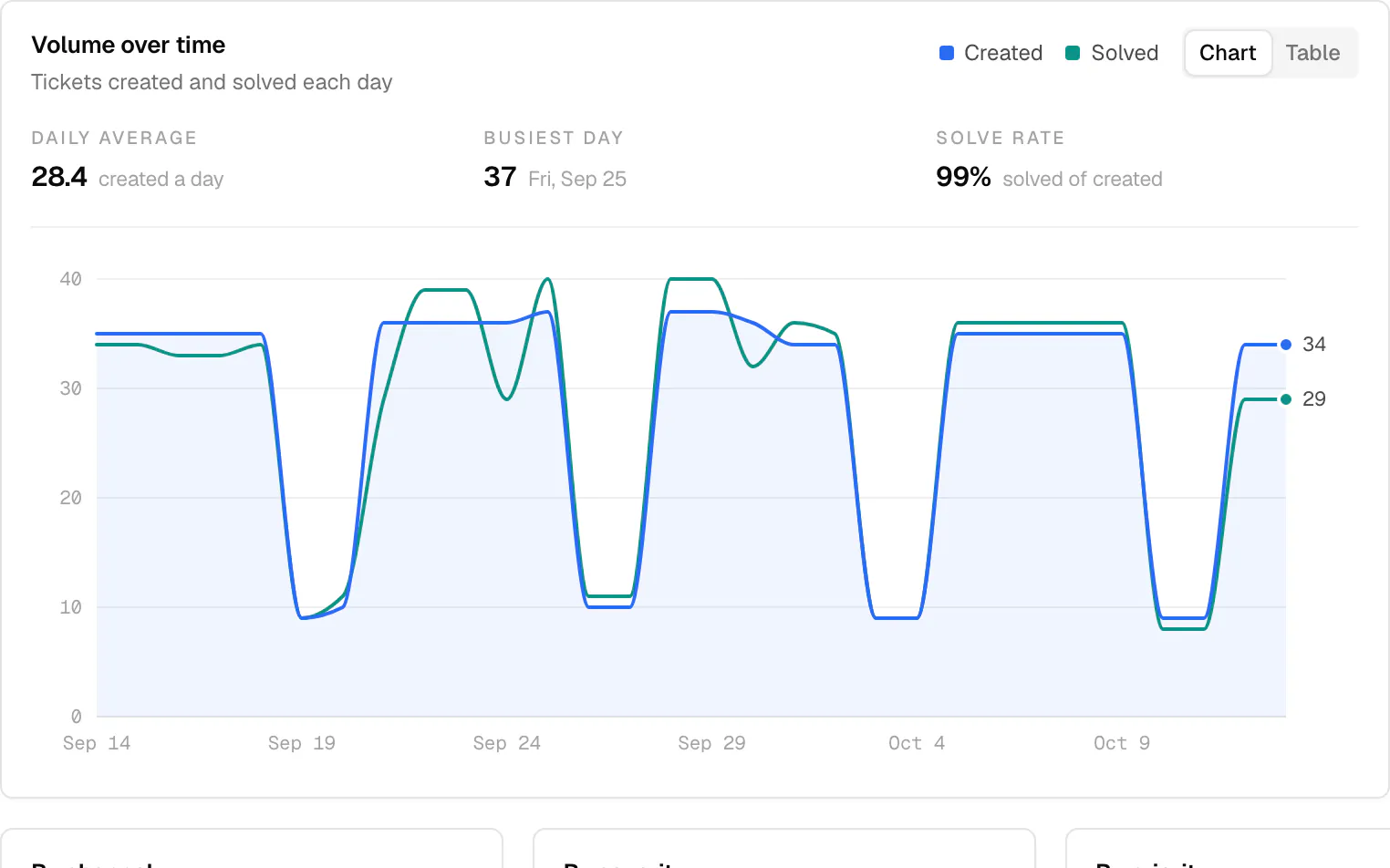
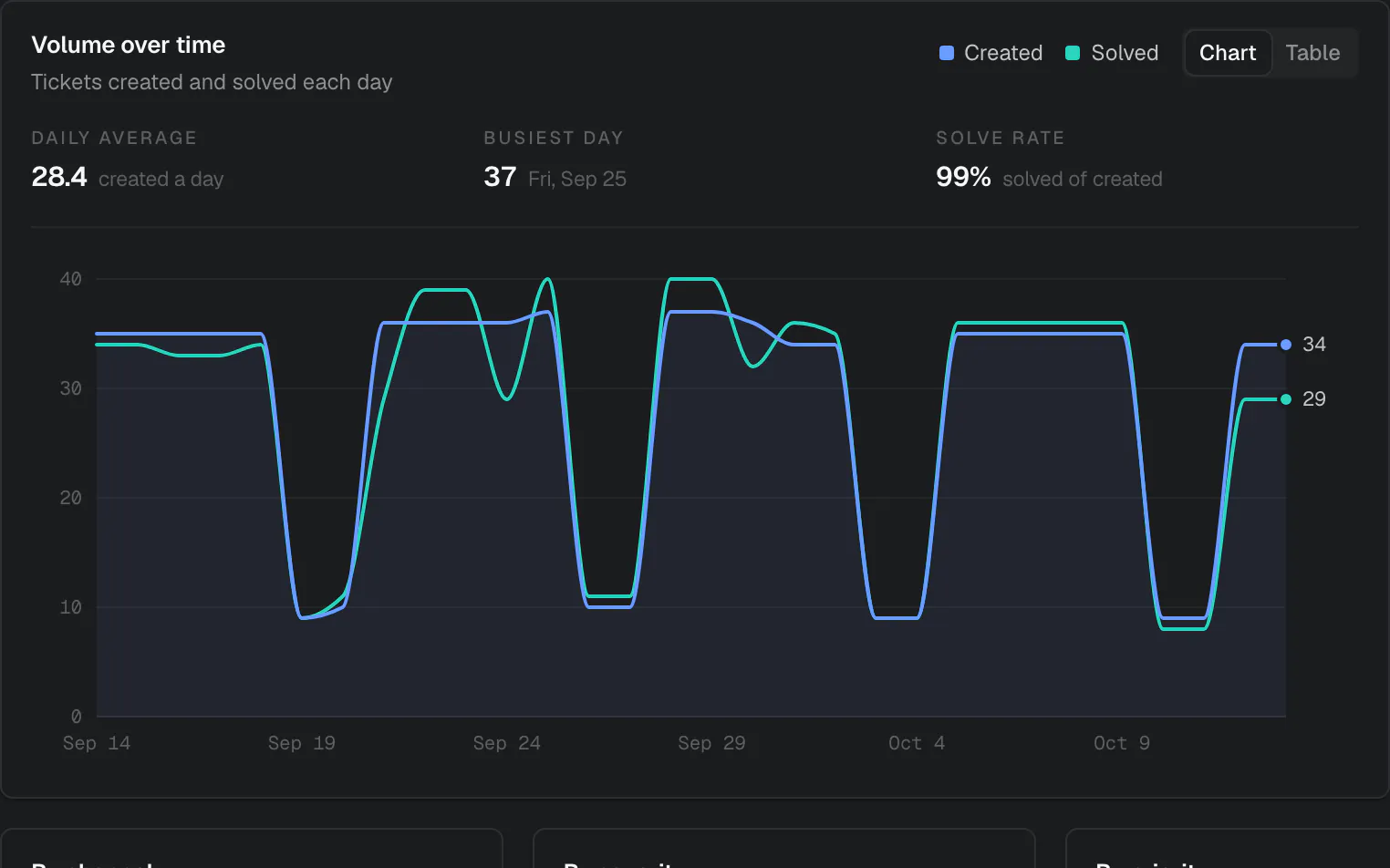
Section titled “Find your way around”Inbox and ticketsAnswer, assign, snooze and solve, with your team live on every ticket.MailboxesBring support addresses in by forwarding, IMAP, Google or Microsoft.Live chat widgetOne script tag adds chat and your help center to your site.Knowledge baseWrite articles once, for your help center and the widget.AutomationsRules that route, tag, assign and reply when tickets change.Ollie, the assistantAsk about your queue, draft replies and prepare changes you approve.ReportsVolume, response and resolution times, SLA breaches and CSAT.API and webhooksEverything you can click, you can automate with a scoped key.
How it fits together
Section titled “How it fits together”On your own server, opendesk is four containers behind one domain. The hosted service runs the same code, split into roles. See Self-hosting and Cloud architecture.
Build on opendesk
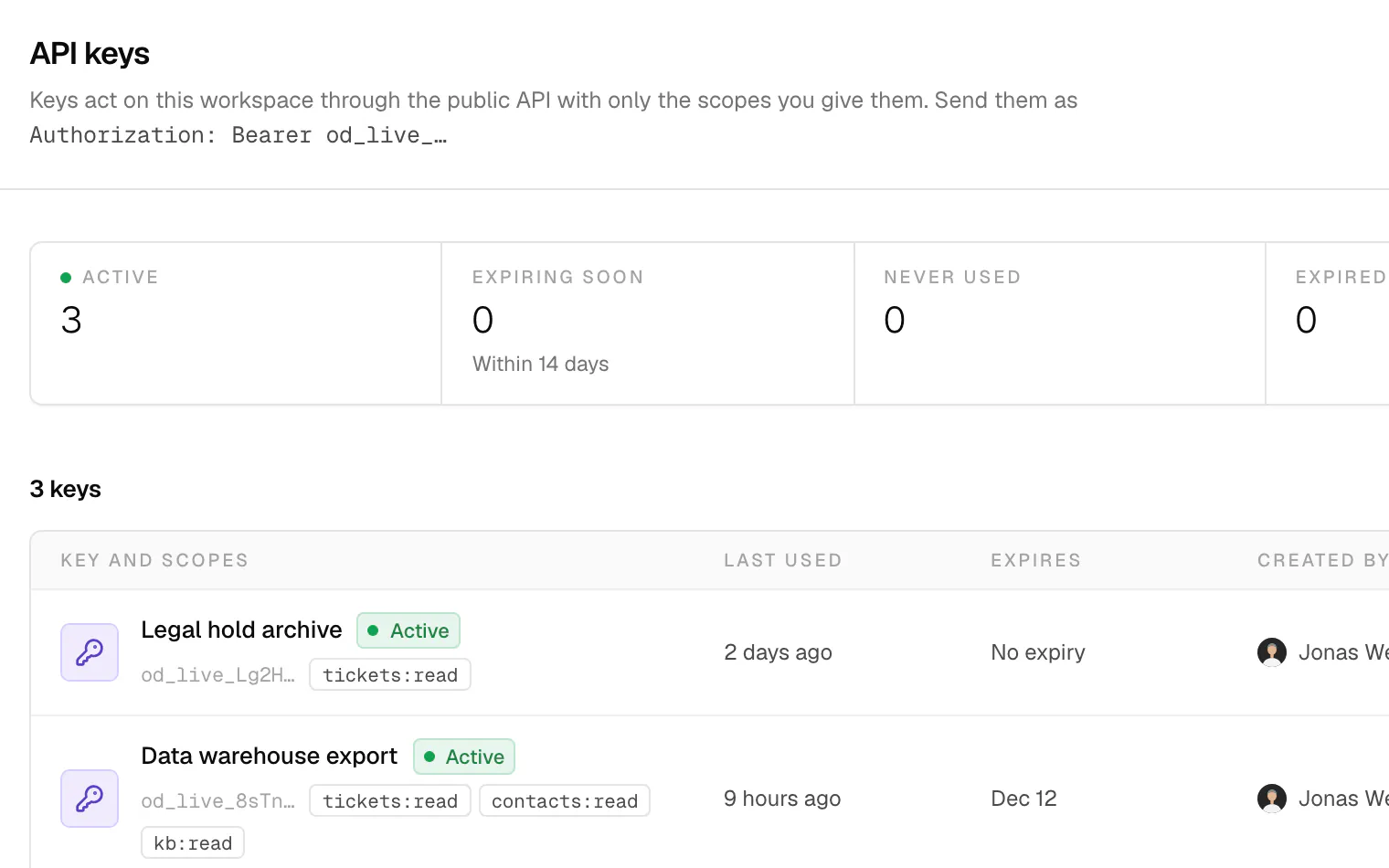
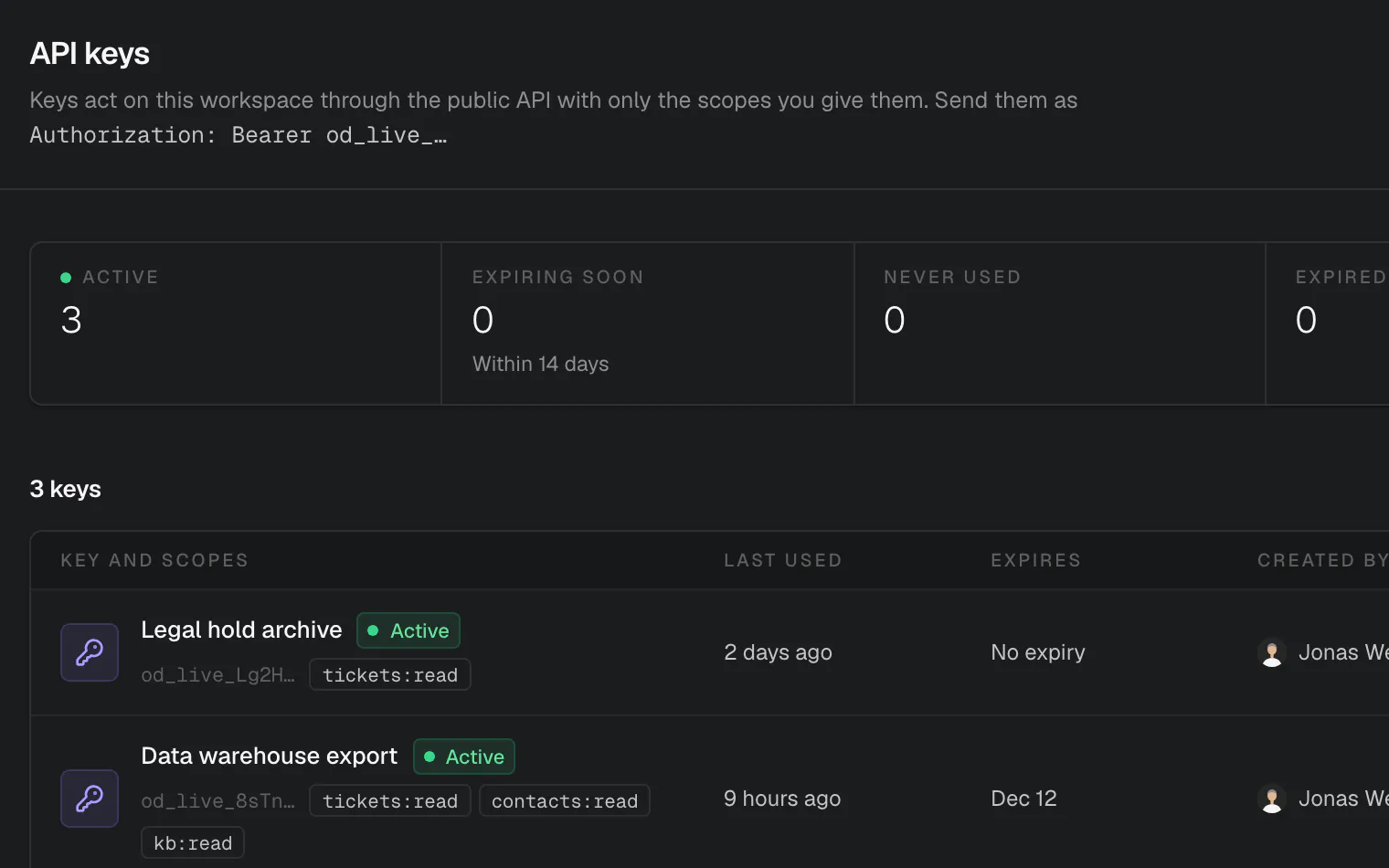
Section titled “Build on opendesk”REST APIThe web app uses exactly the public API, with keys scoped to what they need.
WebhooksSigned deliveries for every event, with retries and a delivery log.
RealtimePhoenix Channels for events, presence and typing, with gap-free replay.
MCP serverConnect Claude, ChatGPT, Cursor or any MCP client with a sign-in or a key.